Connect Cloud POS
Let your agent tell customers where their order or workshop job is, and which shops have a product in stock.
Connecting Citrus-Lime Cloud POS lets every agent in your workspace:
- Tell customers where their order or workshop job is.
- Tell customers which of your shops have a product in stock.
- Answer with each shop's opening hours and contact details.
What you need
A Cloud POS API key. Citrus-Lime support can give you one.
Connect it
Open Cloud POS
In Settings, select Integrations, then Cloud POS.
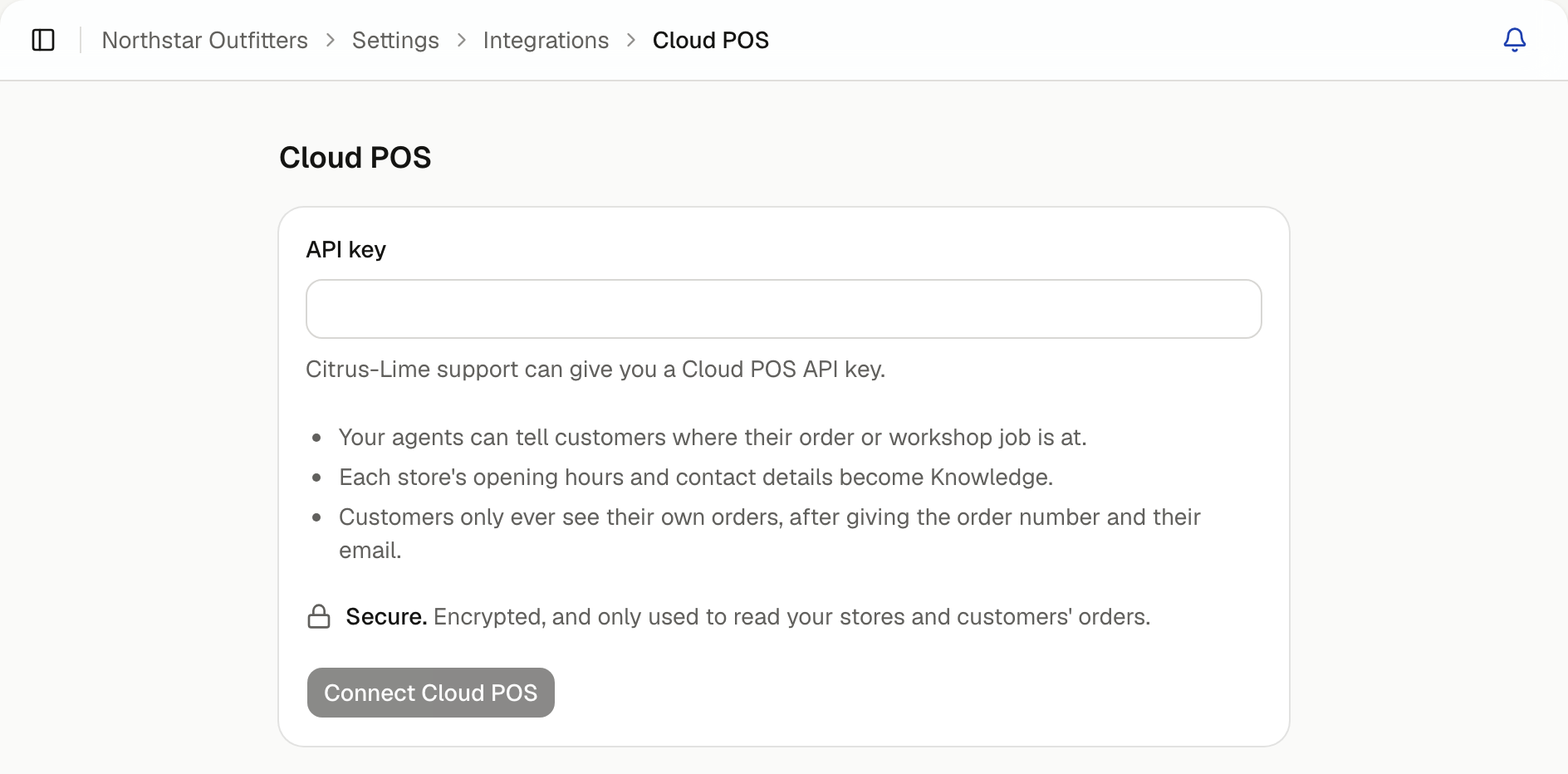
Your shops are read straight away and added to Knowledge as a Cloud POS folder, which every agent answers from. Order lookup and stock checks start working with no further setup.
How customers see their orders
A customer gives their order or job number and the email they used with you. Your agent shows the order only when both match. If either is wrong, it says it couldn't find a matching order, without saying which detail was wrong.
Customers only ever see their own orders. Stock is shown as which shops have it, not how many.
Choose which order statuses customers see
Some statuses are for your team only. In the Cloud POS settings, select Order statuses and turn off any customers shouldn't see. An order in a status you turn off shows as Being processed.
Add chats to customer records
Turn on Add chats to customer records to add a summary of each chat to the customer's record in Cloud POS, titled Website chat. It's added only after the customer has confirmed an order with its number and email, so it always goes to the right person. It's off until you turn it on.
Change the API key
Select Connection, enter the New API key, and save.