Connect Helpjuice
Let your agent answer from your Helpjuice help centre, and choose which articles it uses.
Connecting Helpjuice lets your agent answer from your help centre articles. You choose the categories it reads, and whether it skips drafts and internal articles.
What you need
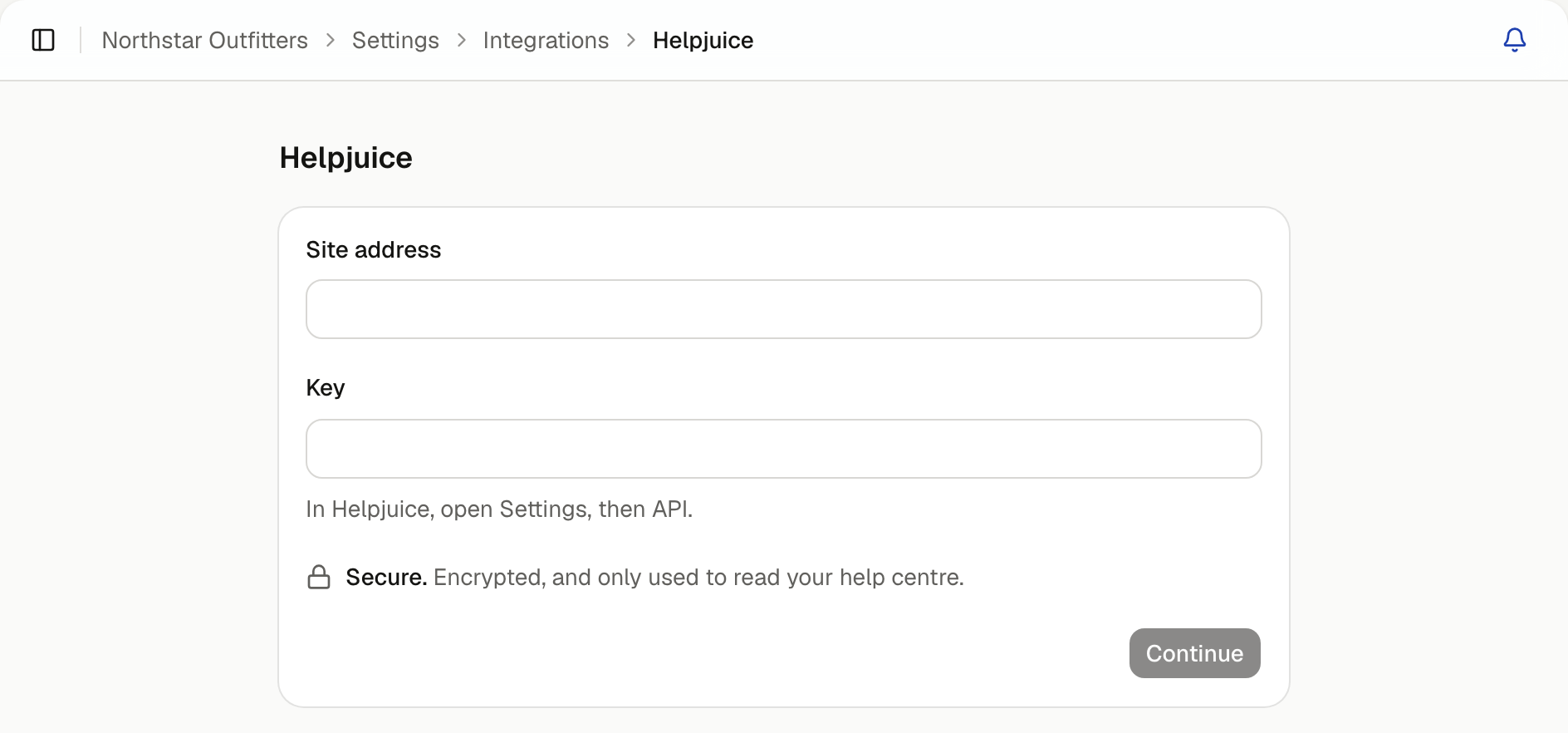
Your Helpjuice site address and an API key. In Helpjuice, open Settings, then API.
Connect it
Open Helpjuice
In Settings, select Integrations, then Helpjuice.
Choose content
Tick the Categories your agent should answer from. Leave Published only and Public only on to keep drafts and internal articles out of its answers. You'll see how many articles match. Select Continue.
Name the folder
Your articles go into a folder in Knowledge. Your agents see this name when they use an answer from it. Select Continue.
Choose which agents answer from it
Tick the agents that should use it, then select Connect Helpjuice.
Your articles are checked for changes automatically. How often depends on your plan.